Features
Everything Pixo does, and what is free
A native Mac viewer for the pictures and PDFs you already have. Viewing and every tool on one file are free. Pro does many at once and adds more Apple Intelligence.
Viewing
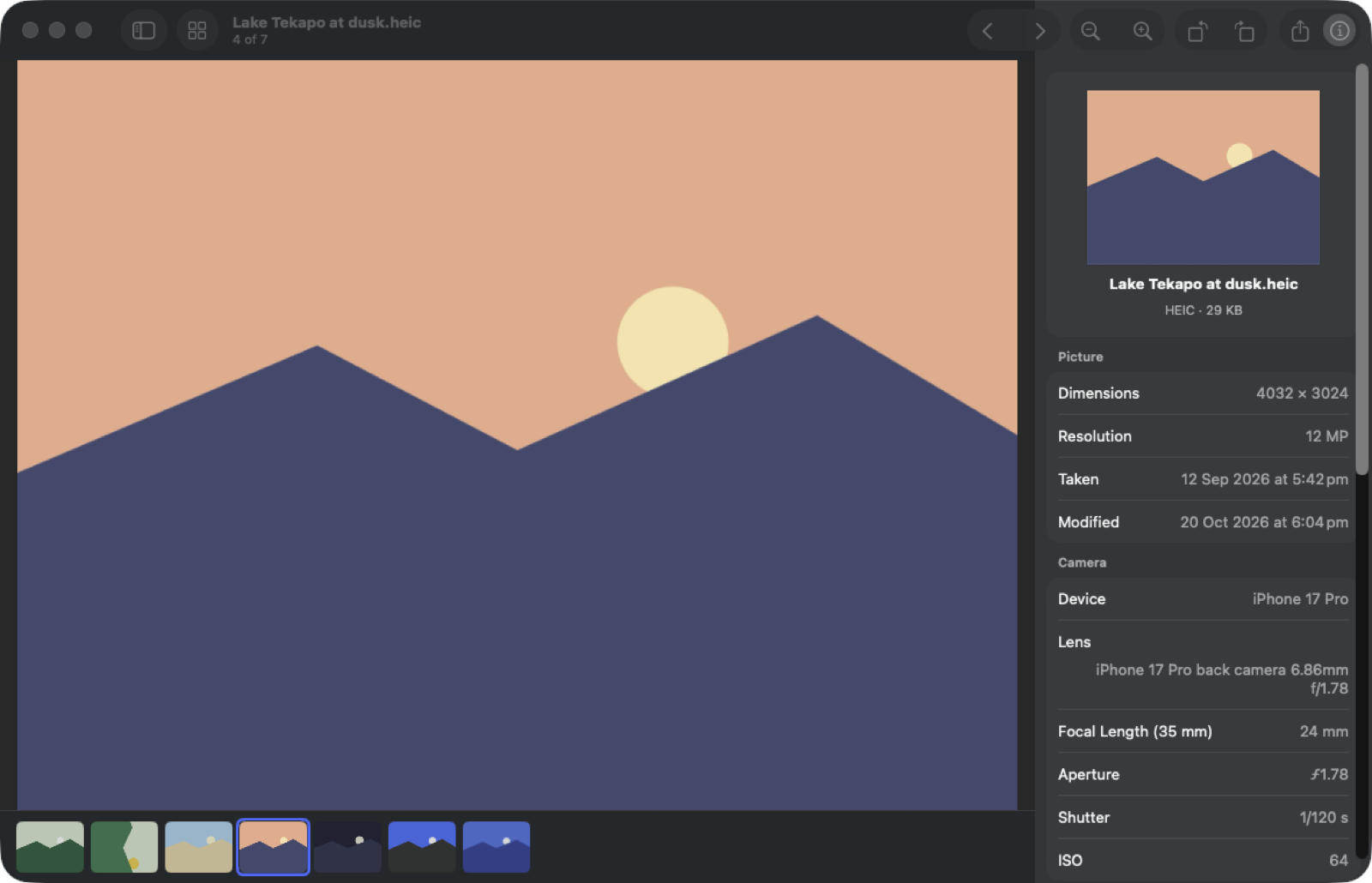
Faster than Preview, and calmer
Pictures open at once, and the ones either side are ready before you press an arrow. Zoom, compare and look closer without waiting.
- HEIC, JPEG, PNG, RAW, WebP, AVIF, PSD, TIFF, GIF, SVG and more
- True HDR on screens that show it
- Compare two to four shots side by side, zoom kept in step
- Live Text: select and copy text in any picture
Browsing
Your folders, as they are
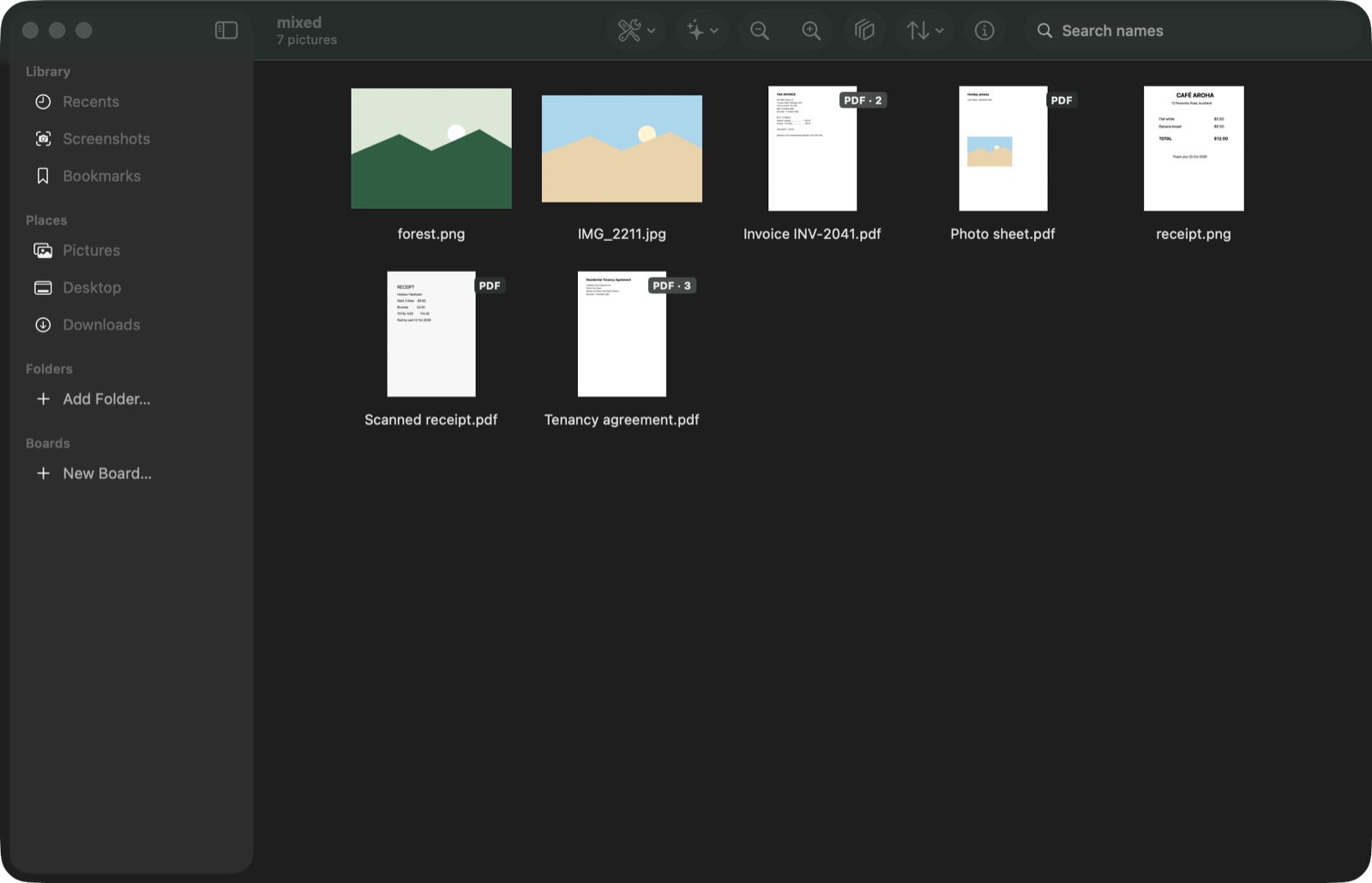
Point Pixo at any folder and see everything in it, subfolders included. Nothing is imported, moved or copied into a library.
- Recents and Screenshots from anywhere on your Mac
- Bookmarks with ⌘D, and Boards that gather pictures from many folders
- Sort by name, date, size or kind; search by name
- A menu bar panel with your newest screenshots and downloads
Apple Intelligence
Ask a picture or a PDF anything
Questions, summaries, search by what is in a picture, names for files and alt text, all from Apple's own models on your Mac.
- Ask about a picture, or a PDF with the page each answer comes from
- Search a folder for "receipts" or "dog on the beach"
- Lift a subject off its background, or pick the best shot of a burst
- Invoices and receipts to one spreadsheet
Tools
The picture tools you keep looking for
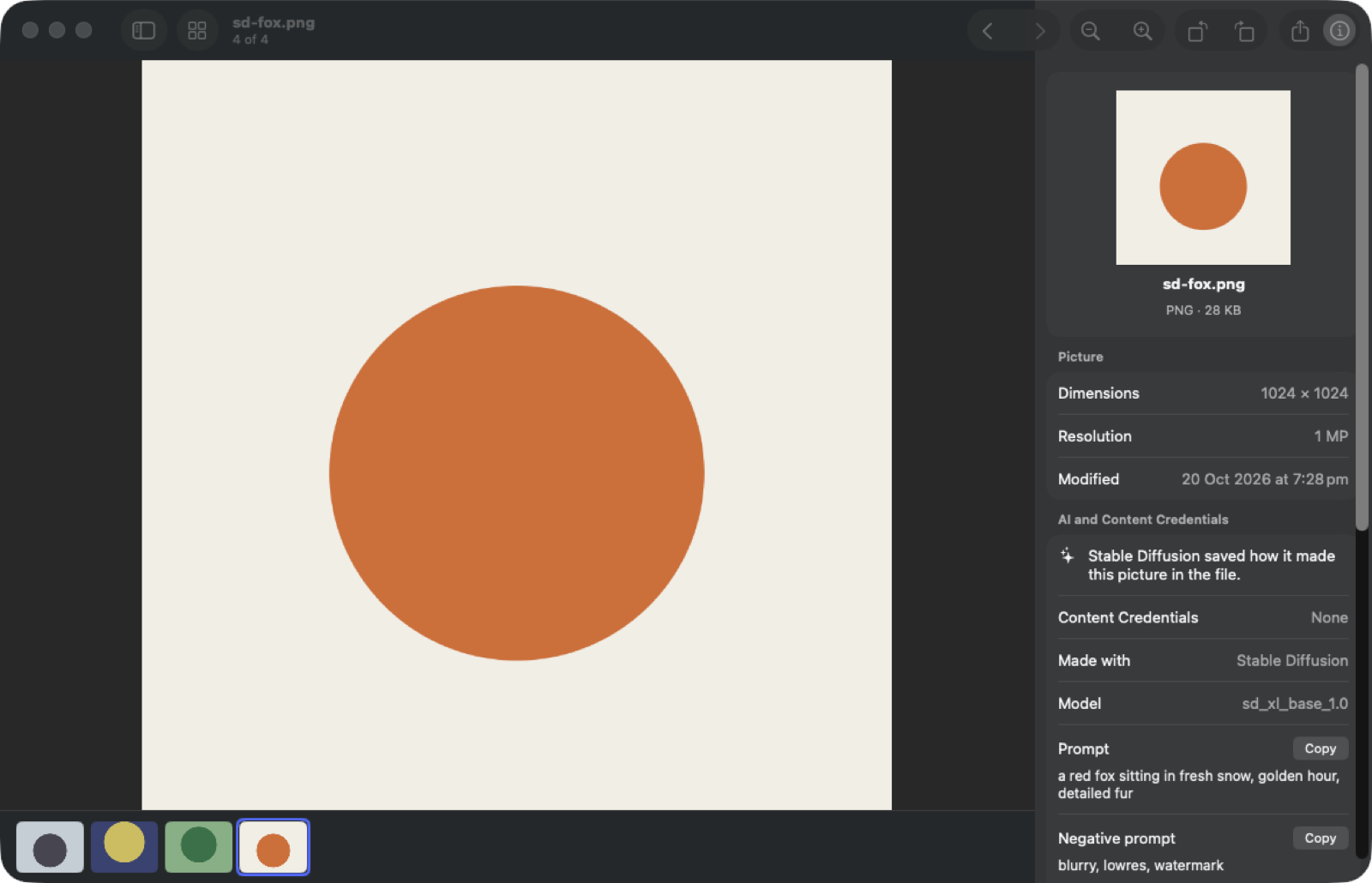
Convert, compress, resize, rotate, remove the background or the metadata, from the toolbar, a right-click or Finder. The originals are never changed.
- JPEG, HEIC, AVIF, PNG and TIFF
- Rotate and remove metadata without re-compressing
- Crop to the subject for square, 16:9 or story
- Rename in one go, or make a PDF
PDFs
PDFs, without opening another app
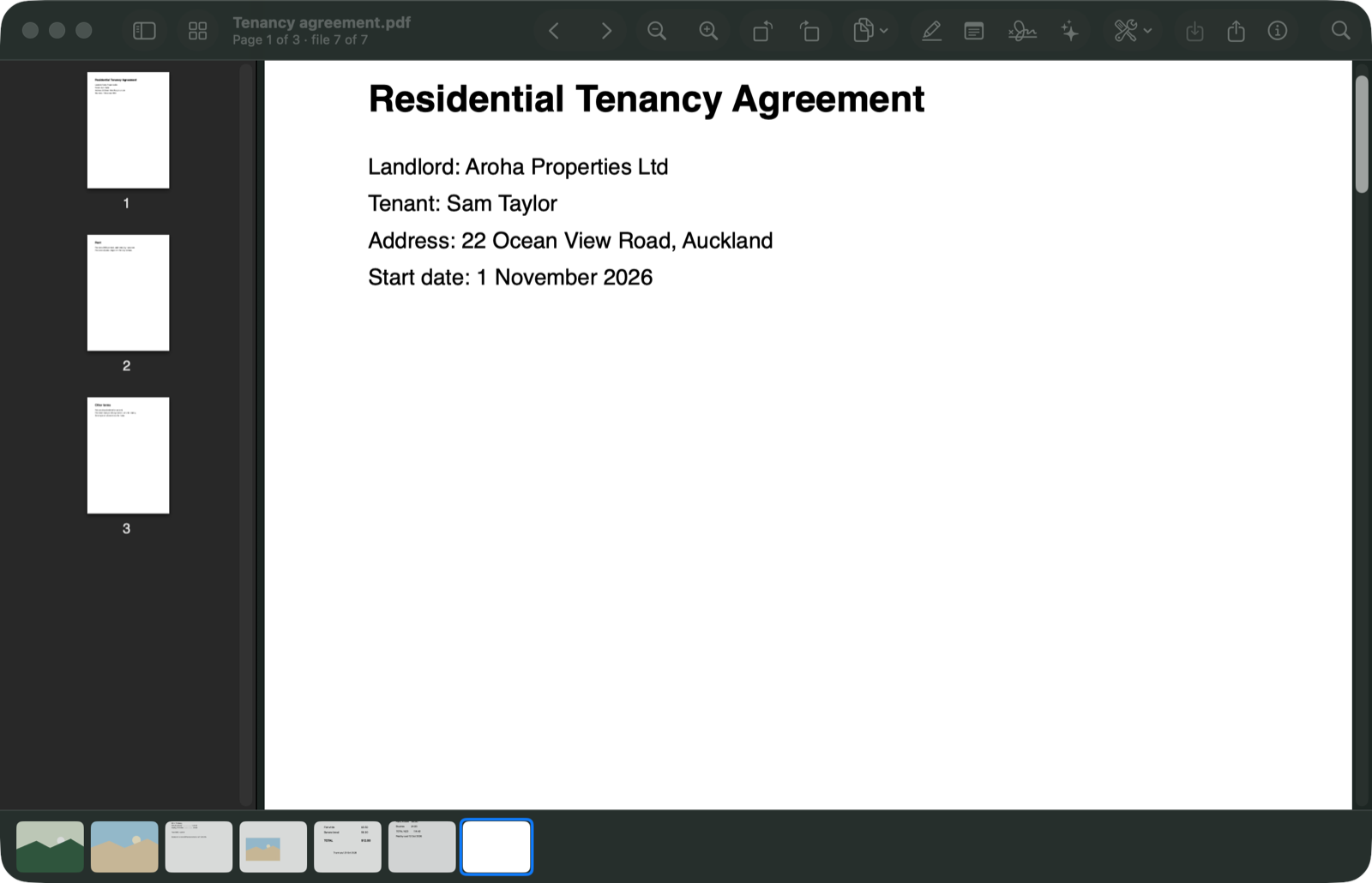
Read, reorder, rotate, highlight, add notes and sign. Merge, split, compress, protect and redact. Summarise or ask, with page references.
- Changes are saved as a copy, so the original stays as it was
- Scans become searchable PDFs
- Redaction removes the text, it does not just cover it
- Pull out the photos stored inside a PDF, as they are
Keyboard
Move through a folder without the mouse
The keys you would expect, and every one is in the menus too.
| Press | To |
|---|---|
← → | The previous or next picture. |
Space | Open the selected picture, or go back to the grid. |
⌘ + ⌘ − | Zoom in or out. ⌘ 0 shows actual size, ⌘ 9 fits the window. |
⇧⌘ K | Compare the selected pictures side by side. |
⌘ I | Show or hide the inspector. |
⌘ K | Ask Apple Intelligence about the picture or PDF. |
⌘ D | Bookmark the picture. |
⌘ ⌫ | Move to the Trash, with undo. |
⌥ Space | Peek at the picture selected in Finder. |
And also
The small things a viewer needs
Keyboard first
Arrows to move, Space to open, ⌘K to ask, ⌘I for the inspector, ⌘⌫ to the Trash with undo. Everything is in the menus too.
An inspector that explains
Camera, lens, exposure, when and where it was taken (in the place's own time), colour, and a map.
AI and Content Credentials
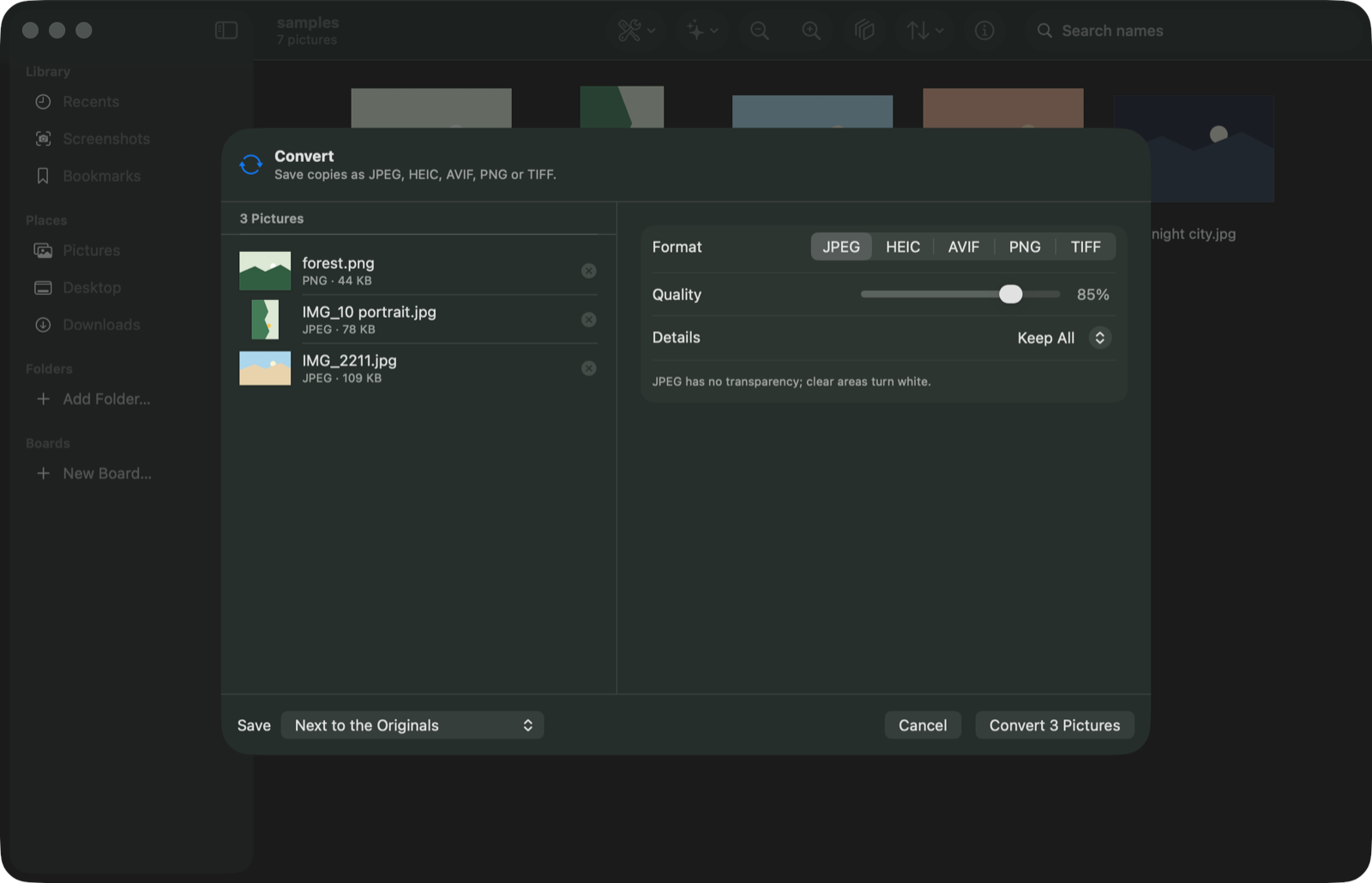
See when a file says AI made it: Content Credentials, the IPTC source tag, and prompts saved by generators.
Peek with ⌥Space
Select a picture in Finder, press ⌥Space, and its details float up without opening a window.
Finder Quick Actions
Right-click pictures in Finder: Convert, Resize, Remove Background or Remove Metadata with Pixo.
Looks like your Mac
Native macOS controls throughout, in light and dark, with your accent colour.
Settings for how you work
Theme, picture background, what the mouse wheel does, square or whole thumbnails, which inspector sections show.
Signed updates
Pixo updates itself, and installs a new version only when its signature and Apple's both check out.
The full list
Every feature, free or Pro
Pro is $19.90 per year or $29 once, on 2 Macs. There is no trial: the free version is the trial, with no time limit.
Viewing and browsing
The whole viewer is free, for good.
- Free
Viewer and grid
Pictures and PDFs, every common format, zoom, filmstrip, full screen.
- Free
Compare
Two to four pictures side by side, zoom kept in step.
- Free
Inspector
Camera, exposure, colour, location and a map, file details, AI tags.
- Free
Live Text
Select and copy text and codes in any picture.
- Free
Recents, Screenshots and Bookmarks
From anywhere on your Mac, without importing.
- Pro
Boards
Collections that gather pictures from many folders.
- Free
Menu bar panel and Peek
The newest screenshots and downloads; details of the Finder selection with ⌥Space.
Tools
Every tool works on one picture for free. Pro does many at once.
- Free
Convert, compress, resize, rotate
JPEG, HEIC, AVIF, PNG and TIFF. Rotate without re-compressing.
- Free
Remove metadata
The location only, or every detail, without re-compressing.
- Free
Remove background
The subject on a clear background, as PNG or HEIC.
- Free
Rename and Make PDF
From a pattern; one PDF from many pictures, searchable if you like.
- Pro
Tools on many pictures at once
A whole selection or folder in one go.
- Pro
Crop to subject
Square, 4:5, 16:9, story or 3:2, around what draws the eye.
Apple Intelligence
On your Mac, with Apple's own models. Pixo sells no AI credits and sends nothing to a server of ours.
- Free
Ask about a picture
10 questions a day free, no limit with Pro.
- Free
Lift a subject
Click to choose which subject; copy, save or drag it out.
- Free
Translate text in a picture, copy a table as CSV, Reimagine
Apple's Translation, Vision and Image Playground.
- Pro
Search by what is in the pictures
Read once on your Mac, then searches are instant.
- Pro
Best shots and duplicates
Finding them is free; moving the extras to the Trash is Pro.
- Pro
Rename with AI, Describe
File names from what is in a picture or PDF; alt text saved into the file.
PDFs
The PDF viewer and every PDF tool on one PDF are free.
- Free
PDF viewer
Reorder, rotate and delete pages, highlight, notes, sign, Save a Copy.
- Free
Merge, split, pages to images, extract images
Photos inside a PDF come out as they were stored.
- Free
Compress, password, redact
Scans stay searchable; redacted text is removed from the file.
- Pro
Summarise and ask
Key points and answers, each with its page.
- Pro
Invoices to a table
Date, vendor, number, total and due date into one spreadsheet.
Not yet
What this version does not do
So you know before you download.
Editing the picture itself. There are no adjustments, filters or retouching. Pixo views, converts and tidies; it does not edit pixels.
A photo library. Pixo works on folders. It does not read the Photos library, and it does not sync anything to iCloud.
Apple Intelligence on Intel Macs. Pixo runs on Intel Macs with macOS 26, but Ask, PDF summaries, Rename with AI, Describe, Invoices to Table and Reimagine need Apple Silicon. Older macOS versions are not supported.
Video. Pixo shows pictures and PDFs. Videos open in QuickTime as before.

Stop squinting in Preview.
Open it in Pixo.
Free to view, for good. Pro adds batches and more Apple Intelligence. macOS 26 or later on Apple Silicon or Intel.